Find the learn button on the opener
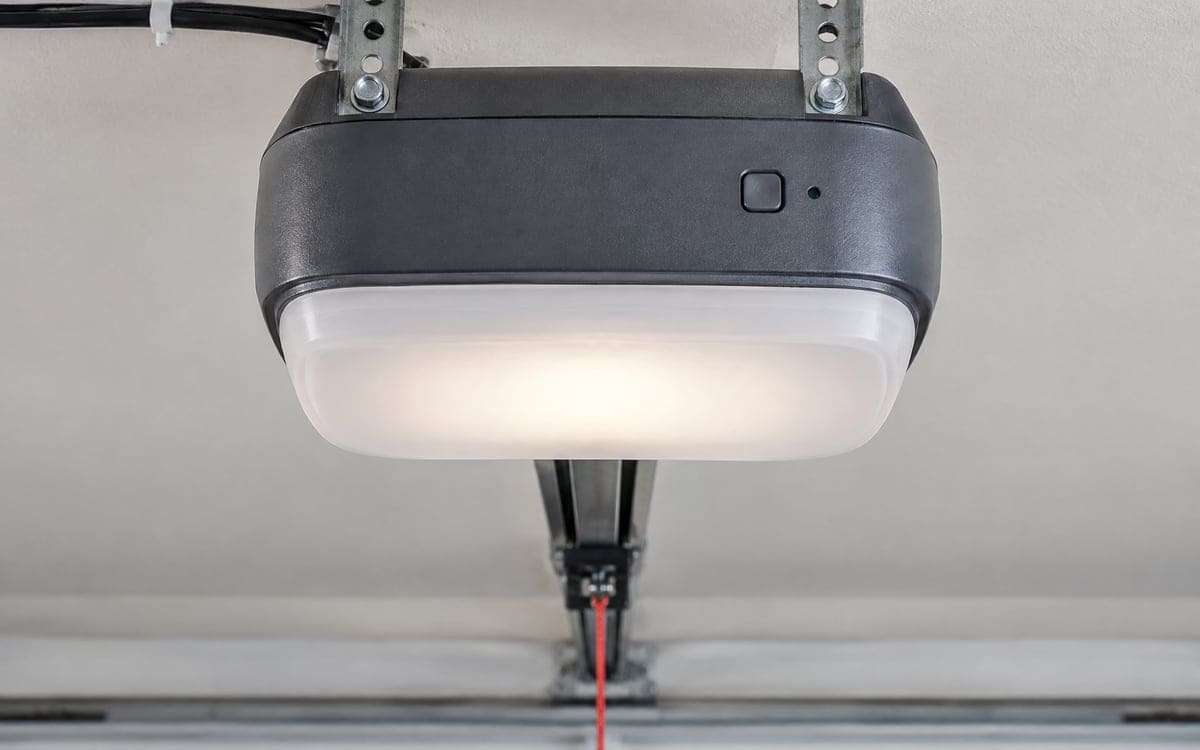
Most residential openers have a learn button on the back or side of the motor head, which hangs from a bracket off the ceiling. The button is usually a small square under a lens cover, with a tiny LED beside it. The label underneath the cover and the learn button itself can tell a technician the opener's generation, but you do not need any of that to pair a remote.
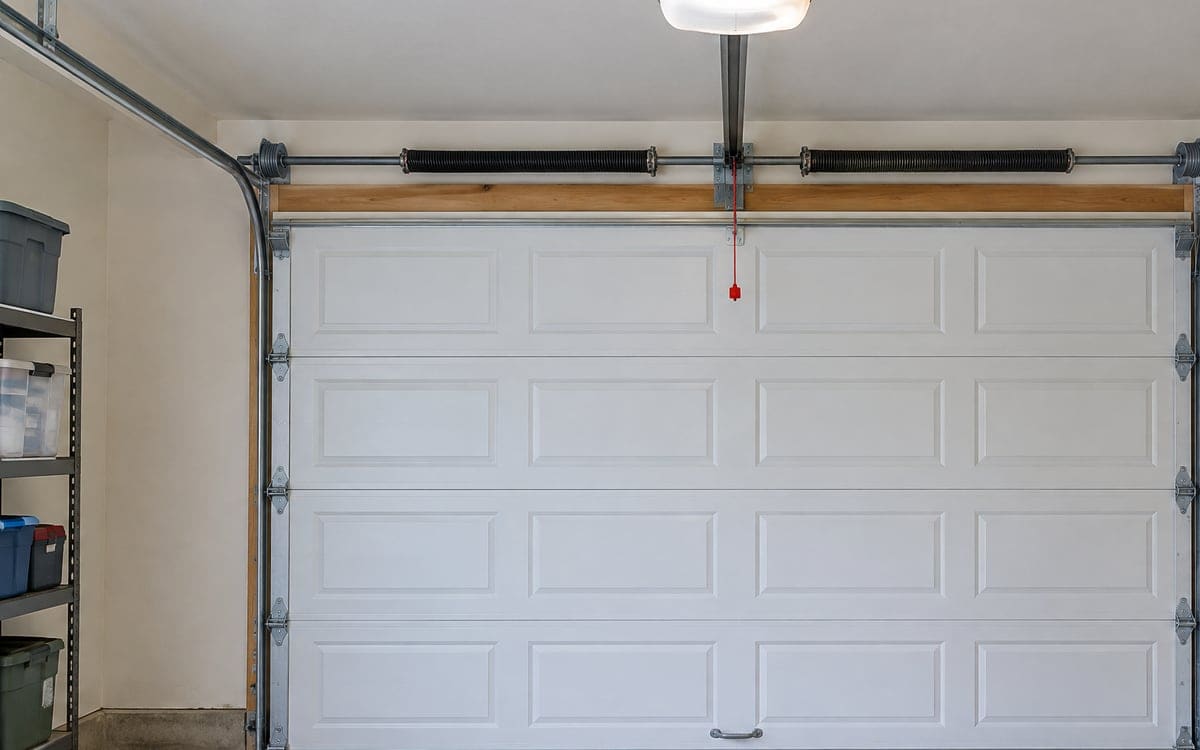
A wall-mount opener is set up differently. The motor sits at the end of the torsion shaft, right beside the spring, up at header height. Pairing one of those is a visit, because the learn button is next to loaded hardware. A ceiling-mounted motor head is also out of reach from the floor, so the pairing itself goes to the visit. From the kitchen table, the pieces you can set up are a wireless keypad on the outside wall of the garage and the battery in a handheld remote.
The usual pairing steps
The learn routine on most residential ceiling openers is the same shape across the last twenty years of hardware. The learn-button press itself happens on the motor head, which is a visit. The steps a homeowner handles from the floor are the ones that follow the pair:
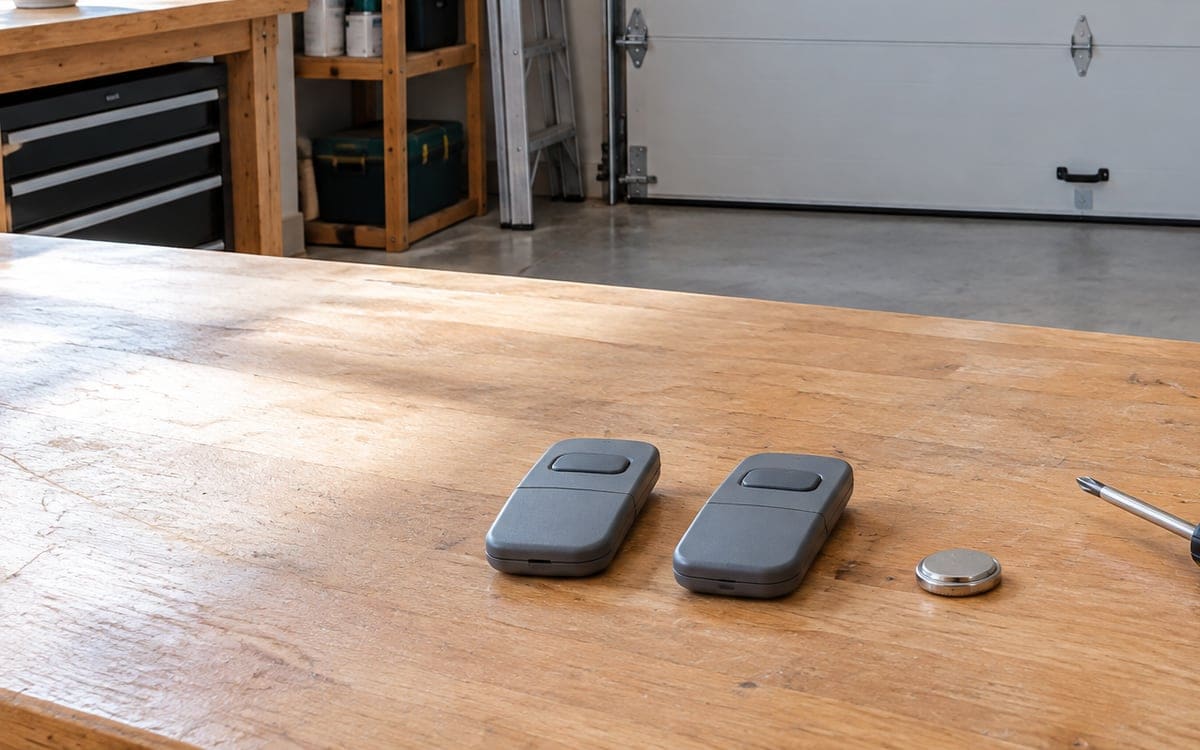
- A handheld remote needs a fresh battery from a sealed pack before pairing.
- A keypad on the outside wall at the people-door needs its own battery and a code picked for the house.
The visit itself takes care of the opener's learn press, pairs the handheld remotes and the keypad, and confirms the car-side pairing afterward. A wall-mount opener's learn press sits next to loaded hardware, which is why that one is never a homeowner step.
A few older openers use a dip-switch system instead of a learn button. Those remotes have a small bank of tiny plastic switches inside the battery compartment. The remote is paired by setting its dip switches to match a matching bank inside the opener.
Why a new remote may not pair with an older opener
Residential openers have cycled through several radio generations. The learn button in each generation listens for a specific rolling-code format on a specific frequency. A remote built for the newest generation can usually pair back a step or two, but not all the way back. A remote built for the oldest generation does not pair with a newer opener at all.
Rough rules of thumb for a remote that will not pair:
- A universal remote covers more generations than a single-brand remote, but still skips some older ranges.
- A remote marked for the current generation of your opener should pair; if it does not, start by replacing its battery.
- A single-brand remote only pairs with openers of the same brand, usually within a few recent generations.
If you can read the model number on the label underneath the motor head cover, bring that number when you call. A good replacement will match it. For a short-term fix, an added external receiver can bridge the gap. For an older motor head, the better path is a new unit; we cover the swap under garage door opener installation and the quick repair side under garage door opener repair.
Clearing old remotes after an Arlington Heights move
Remotes change hands every time a house changes hands, and most Arlington Heights homes are owner occupied (about three-quarters, per the Census tenure count of 23,288 owner-occupied of 31,466 occupied units1). If you just closed on a house, clearing every remote the previous owner may still have is one of the first jobs after moving in.
The clear routine on most residential openers happens at the motor head's learn button, which is overhead. That part is a visit. Once the opener's stored remotes and keypads are erased, we pair the handhelds and the keypad for the new household, and any remote still floating around with a previous owner, a contractor or a cleaning service stops working. If a remote is lost later, the same clear routine turns the lost remote into a plastic shell.
When the receiver or logic board is the problem
If a brand new remote with a fresh battery refuses to pair after two clean tries, the opener's receiver may be the issue, not the remote. The signs:
- The learn LED does not light up when you press the learn button at all.
- The LED lights up but the opener never acknowledges the remote press.
- Pairing works, then forgets itself within a day.
- The wall button runs the door, but no remote does.
These point at the circuit board inside the motor head, often called the logic board, or at the receiver module plugged into it. A technician visit for garage door opener repair is the next step. Sometimes a single receiver module can be swapped. Sometimes the whole board goes. For an older unit, parts can be hard to source, which is where an opener swap comes in.
Checks to run before you call us
A short list to work through at the kitchen table:
- Battery first. A coin cell can test fine with a meter and still fail under the brief draw of a radio burst. Try a fresh battery from a sealed pack.
- Range still drops as a battery weakens. Try the remote from inside the garage, standing a few feet from the motor head.
- Look at the wall button for a small slide switch or button marked lock or vacation. If it is on, the opener ignores all remotes until it is turned off.
- Try the second button on the remote, if it has more than one. A stuck button looks like a dead remote.
- Check your car. A car with a built-in opener button paired to the door is a separate pairing from a handheld remote. Clearing the car and re-pairing is sometimes the fix.
Running these checks on a monthly schedule along with the safety test catches a weak battery or a tripped lockout before a cold morning does. If a remote keeps dropping its pair after a visit, that may be an opener wear issue rather than a radio issue, and a garage door tune-up during the same window often catches it.
What to match on a replacement remote
A good replacement remote shares three things with the opener it is paired to: the frequency, the rolling-code generation and the number of buttons you want to use. Frequency is set by the opener and is not something a homeowner changes. The generation is marked on the back of most remote packages. The button count is up to you: a one-button remote runs one door, a three-button remote can run two doors and an outside light.
A replacement remote does not need to be the same brand as the opener if the package says it covers your opener's generation. A single-brand remote is simpler to shop for but costs more to replace. The piece on what sets the price of a repair covers the shape of a full opener-and-remote swap, and choosing a garage door company covers the questions worth asking before you say yes to one.